Best Value VERIFIED
Gigabyte
M27Q
Gigabyte · Monitors
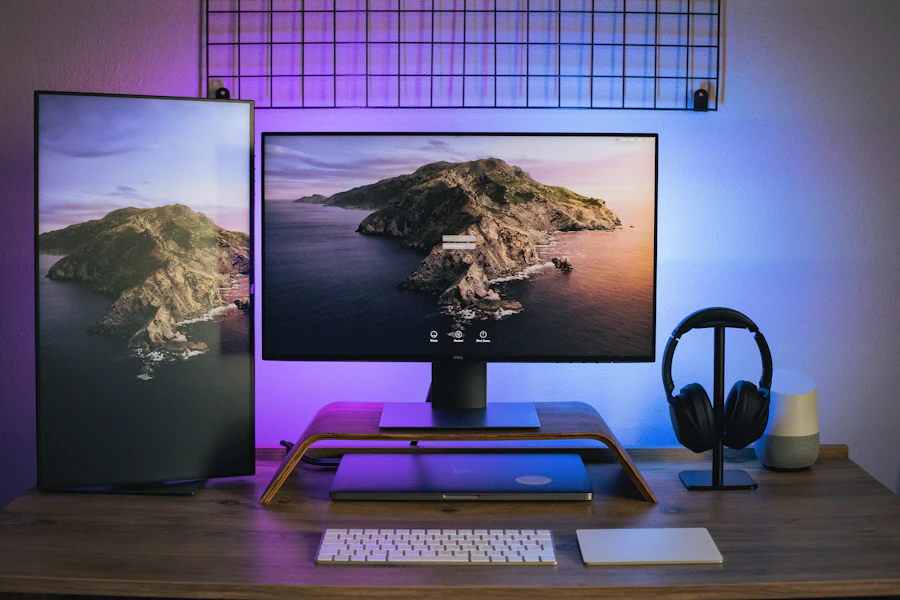
A standout value 27-inch QHD 170Hz gaming monitor with an SS-IPS panel, KVM switch, and USB-C, punching well above its price.
4.5 100% recommend$299
8.3 score verified
ComparZone Score
8.3
Very good
For shoppers who want fast 1440p gaming without spending OLED money, the M27Q remains the …
$299
best of 3 sellers
Price · trend
▼ $33
2560x1440
Resolution
Display
170 Hz
Refresh Rate
Performance
27 in
Screen Size
Display
350 nits
Brightness
Display
IPS
Panel Type
Display
Why it stands out
Best-in-class value for fast 1440p gaming
Best-in-class value for fast 1440p gaming around $300
The rev
The rev. 2.0 RGB subpixel layout makes text noticeably crisper than the original
KVM and USB-C add real productivity
KVM and USB-C add real productivity value rare at this price
Stand is tilt-only, so budget for
Stand is tilt-only, so budget for a VESA arm if you need height adjustment
Category scores
marker = Monitors average
Performance profile
M27Q Category avg
Decision snapshot
Best-in-class
Value
Beats avg by
-0.5 pts
Confidence
96 %
Data sources
3
0%
Data quality0%
Spec coverage0%
Recommend0Specs tracked
0Spec groups
0Class-leading
0%Avg confidence
Display 96% verified
Screen Size96%27 in
Resolution96%2560x1440
Brightness96%350 nits
Panel Type96%IPS
Color Gamut96%92% DCI-P3
HDR96%VESA DisplayHDR 400
Performance 96% verified
Refresh Rate96%170 Hz
Response Time96%0.5 ms
Connectivity 96% verified
USB-C Power Delivery96%10 W
Ports96%2x HDMI 2.0, 1x DisplayPort 1.2, 1x USB-C (DP Alt Mode), 2x USB 3.0, 3.5mm audio
Features 96% verified
Adaptive Sync96%FreeSync Premium / G-Sync Compatible
Design 96% verified
Stand Adjustments96%Tilt-only (VESA 100x100)
Price trend
$299▼ $33
low · $299high · $333
Review sentiment
4.5OUT OF 5
8.3
Expert review score
ComparZone editorial · /10
Pros & cons
Pros
- Excellent 1440p/170Hz performance for the price
- Built-in KVM switch and USB-C with DP Alt Mode
- Wide ~92% DCI-P3 color coverage
- rev. 2.0 RGB panel fixes earlier text-clarity issue
Cons
- Tilt-only stand with no height or swivel adjustment
- DisplayHDR 400 is entry-level HDR at best
- USB-C delivers only 10W of power
- Local dimming is absent, so contrast is typical IPS
When should you buy?
Good time to buy
Launched around $329-$349 and has settled near $270-$300, dipping to roughly $230-$250 during sales events like Black Friday and Prime Day.

P
Priya R. Verified
4 months ago
Great panel, basic stand
Image quality is excellent and the USB-C is handy for my laptop, though 10W won't charge it. Text is crisp on the rev. 2.0 I received. Docked a star only because the included stand has no height adjustment, which feels cheap on an otherwise premium-feeling monitor.
Helpful · 27
M
Marcus T. Verified
6 months ago
Incredible bang for the buck
Coming from a 60Hz 1080p panel, the jump to 1440p at 170Hz felt enormous. Colors are punchy out of the box and the KVM lets me share my keyboard and mouse between my desktop and work laptop. The only thing I added was a monitor arm since the stand only tilts.
Helpful · 42
From the community
QCan the USB-C port charge my laptop?
It only provides 10W, which is enough to trickle-charge peripherals or a small device but not enough to power or charge most laptops while in use.
QWill I get the RGB panel if I order today?
Current stock is generally the rev. 2.0 RGB panel, but it is worth confirming with the retailer since the older BGR units occasionally linger in the channel.
Frequently asked
Is the Gigabyte M27Q good for both gaming and work?
Yes. The 170Hz IPS panel handles fast-paced gaming well, while the KVM switch, USB-C with DisplayPort Alt Mode, and wide color gamut make it a capable work and content-consumption monitor too.
What is the difference between the original M27Q and rev. 2.0?
The original used a BGR subpixel layout that could make text look slightly fuzzy in Windows; the rev. 2.0 switched to a standard RGB layout, fixing the text-clarity complaint while keeping the same speed and color performance.
Does the M27Q support HDR?
It is VESA DisplayHDR 400 certified, so it accepts HDR signals and gets reasonably bright, but without local dimming the HDR effect is limited compared with higher-tier displays.